
Local numbers
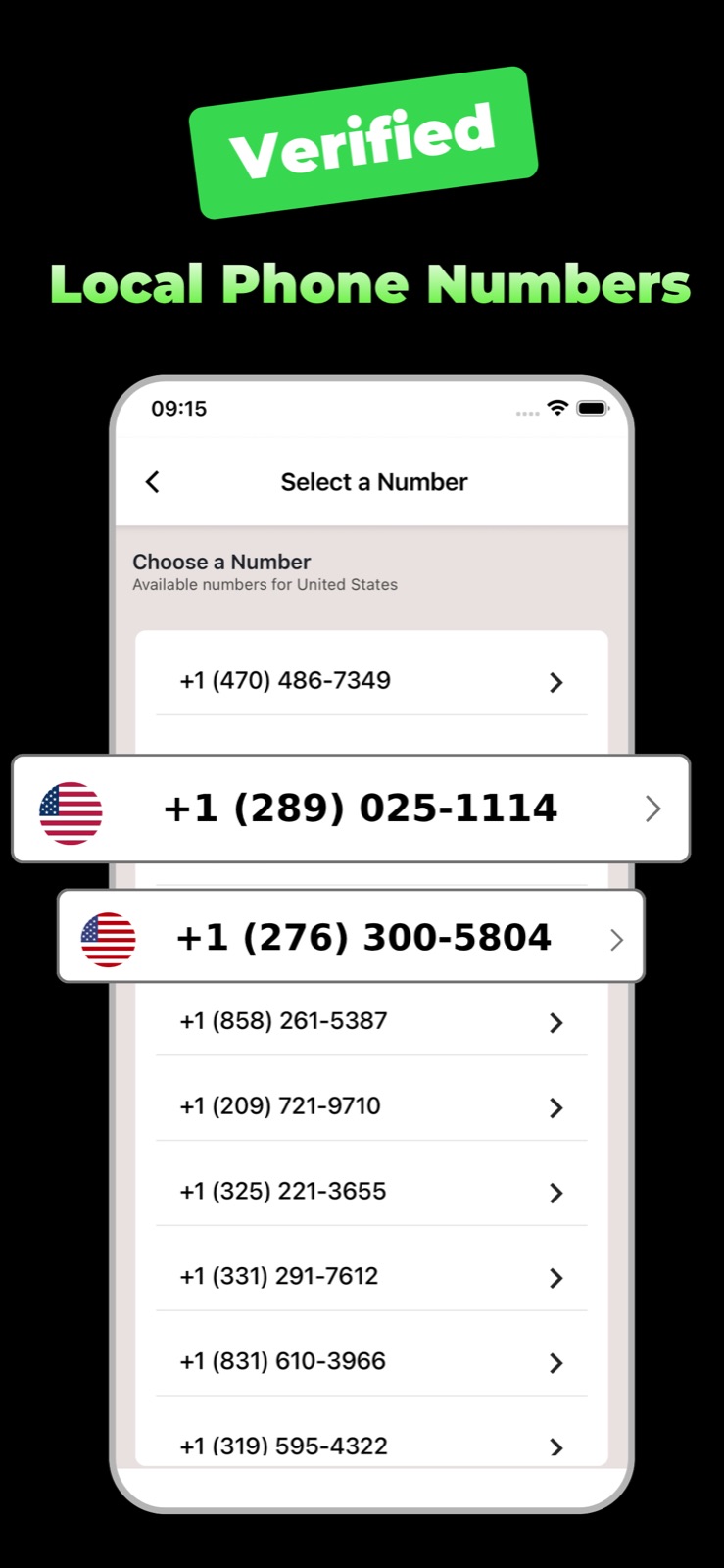
Choose a number from the US, Canada, the UK and other countries, and pick the one you like from the available list.
Second phone number
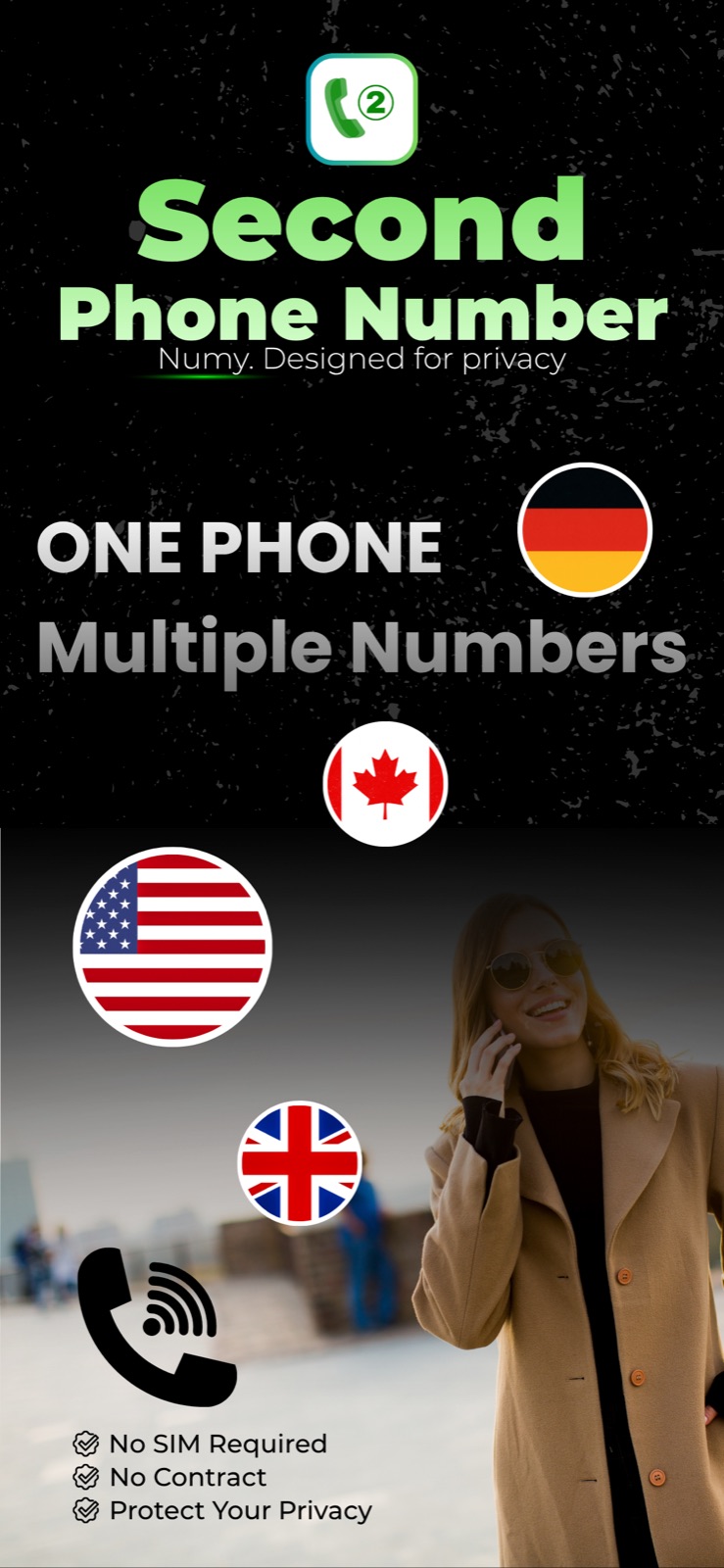
Get a second phone number on your iPhone. Call and text over Wi‑Fi or mobile data, verify accounts and keep your personal number private.
What you get
Numy gives you a phone number for calls, texts and verification, right next to your personal number.
Choose a number from the US, Canada, the UK and other countries, and pick the one you like from the available list.
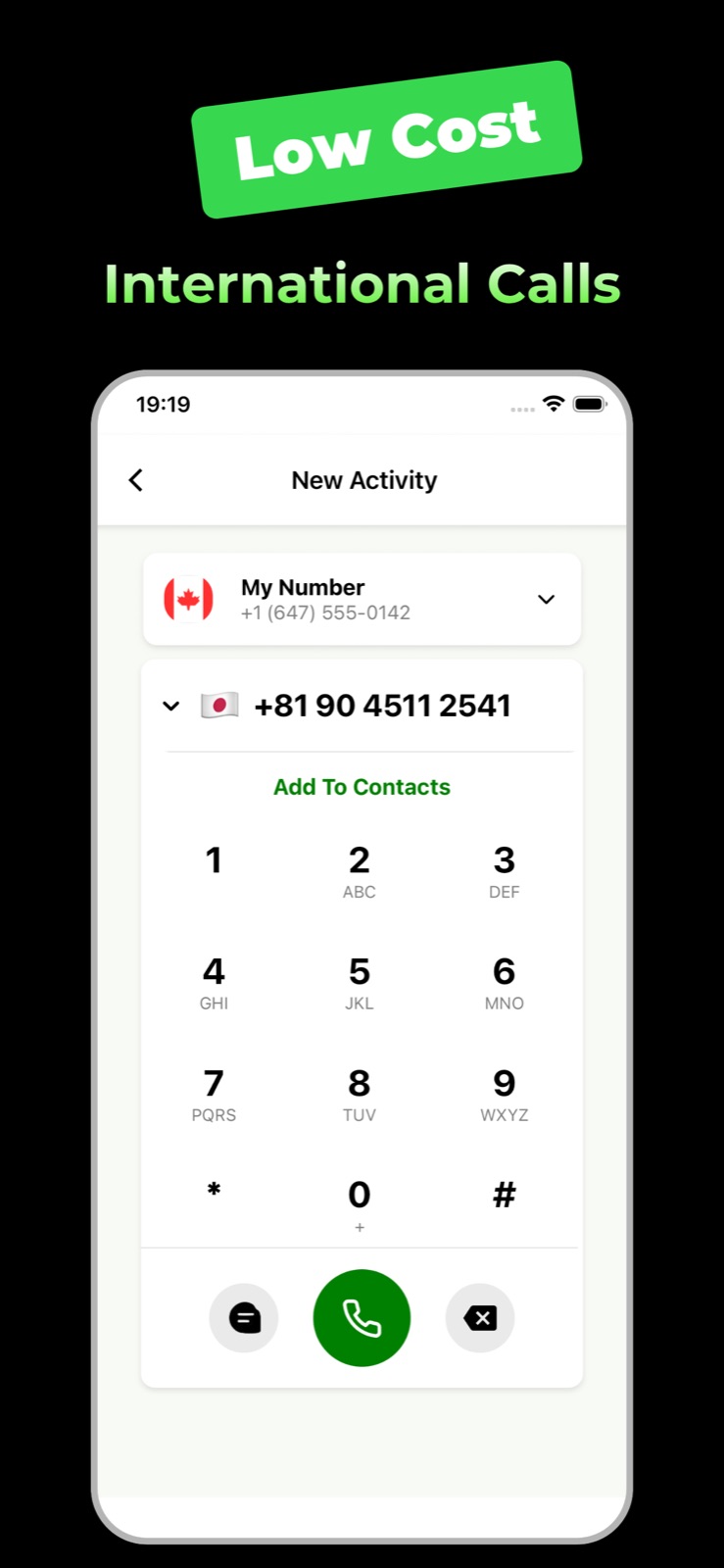
Make and receive calls and send and receive SMS with your Numy number over Wi‑Fi or mobile data.
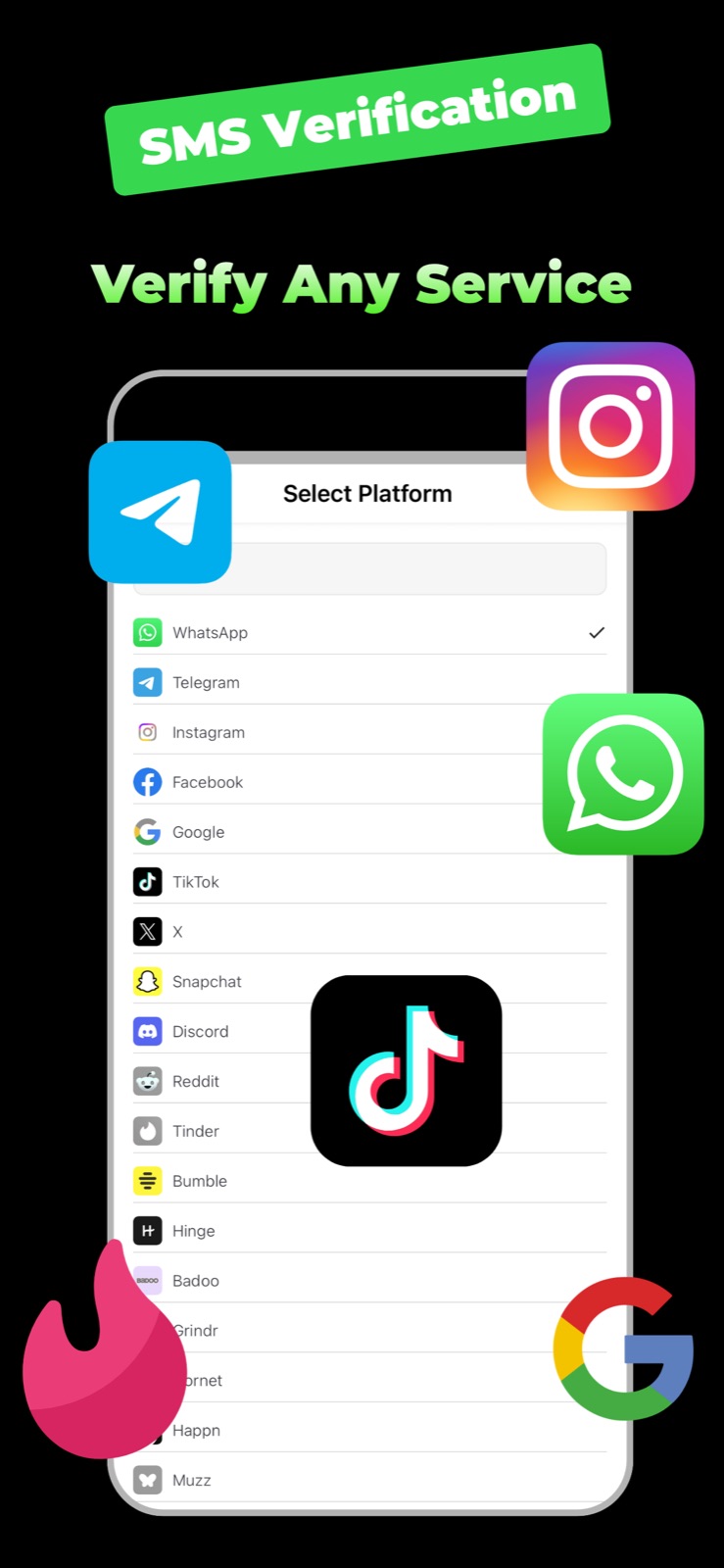
Receive one‑time codes for apps like WhatsApp and Telegram without sharing your personal number.
Local numbers
Browse available numbers by country and choose the one you want. Your Numy number appears on the home screen as soon as it is active.
Calls
Use the familiar keypad, pick a contact and keep your call history in one place. Calls and texts use credits from your balance.
SMS verification
Choose a platform and a country, enter the number Numy shows you, and the code appears in the app. You also get a notification when it arrives.
Why Numy
Numy works on the iPhone you already have.
Manage or cancel your subscription anytime in your Apple ID settings.
Use your Numy number for shopping, selling, dating and sign‑ups.
Call and text over Wi‑Fi or mobile data.
Get started
Get the app from the App Store and open it on your iPhone.
Pick a country and select a number from the available list.
Start your plan in the app. Your number appears on the home screen when it is active.
Top up credits for calls and texts, and use SMS verification whenever you need a code.
Help
Numy gives you a second phone number on your iPhone. You can make and receive calls and send and receive SMS over the internet. In the Verification tab you can also start SMS verification for supported platforms.
No. Numy works over Wi‑Fi or mobile data on the iPhone you already have. You don’t need a second SIM or a contract.
Numbers are available in countries such as the United States, Canada and the United Kingdom. Availability can change; the app always shows the countries and numbers you can choose from.
In the Verification tab, choose a platform and a country and complete the steps. Enter the number shown to you on that platform. When the code arrives, it appears on the verification screen in Numy and you get a notification.
Download Numy on the App Store and choose your number in a few taps.

 Scan with your iPhone camera